
Best App for International Calls in 2026: Android, iPhone or Any Browser

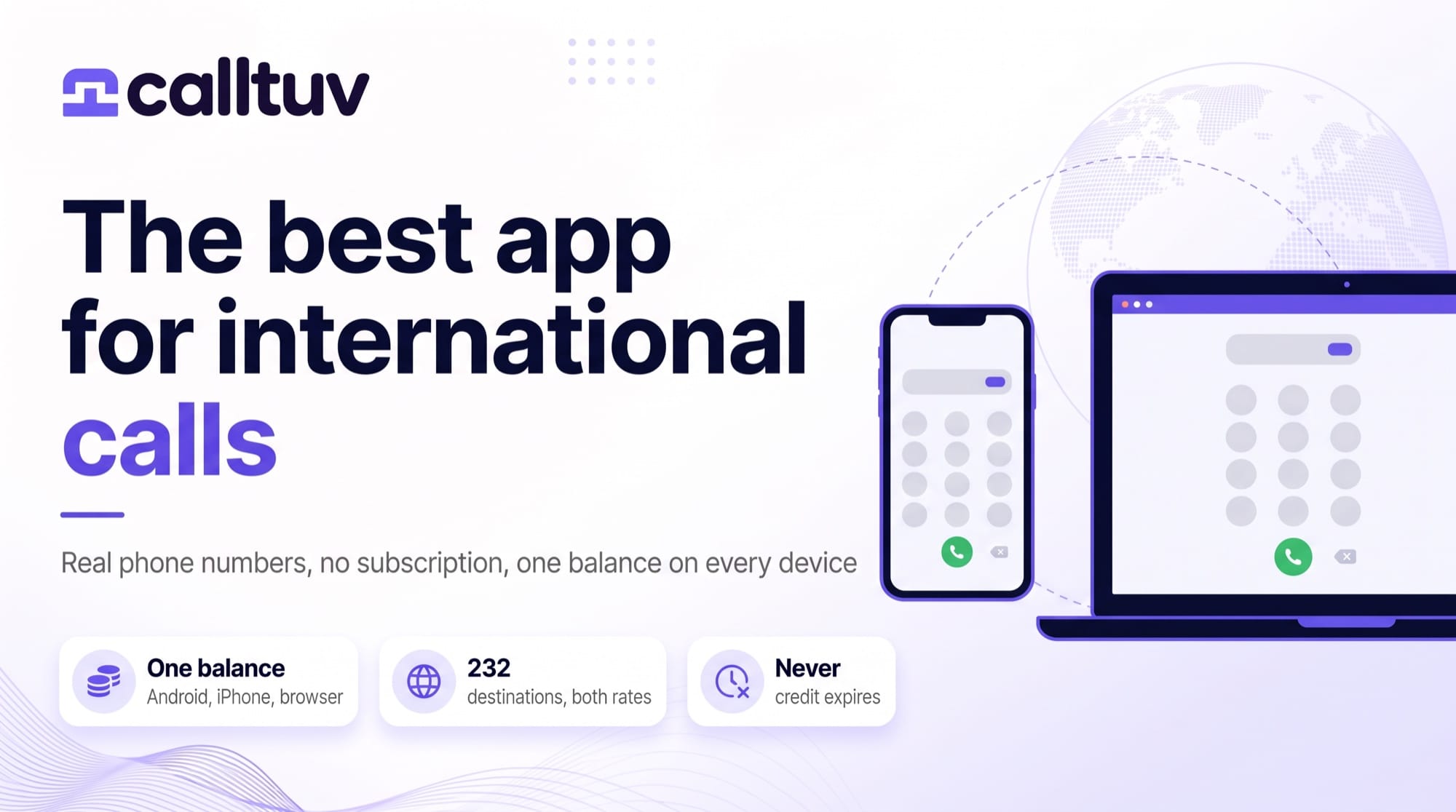
The best app for international calls is the one that dials an actual phone number, charges you by the minute with no monthly fee, and still has your credit when you come back to it six months later, which rules out most of the apps already on your phone, because WhatsApp, FaceTime and Messenger only reach people who installed the same app, and the business phone systems that fill most "best app" lists bill you per seat whether you call or not.
CallTuv is built for the calls those apps can't make. Dial any landline or mobile in 232 destinations from the Android app, the iPhone app or a browser tab on any computer, all on one balance. The United States and Canada cost $0.03 a minute. The United Kingdom is $0.04 to a landline and $0.07 to a mobile, and every destination has both figures published, so you see the price before you press call. Credit never expires. The minimum top-up is $5.
Everything below is checked against our own rate card of 17 September 2026 and against each rival's own pages, with the dates stated, so you can repeat the checks yourself.
First, decide which kind of international call you mean
Two kinds. People mix them up constantly.
App to app. You and the other person both have WhatsApp, or both have FaceTime, and the call goes between the two apps for free. If everyone you ring abroad is in that position, use whichever app they already have and stop reading. There's nothing to buy.
App to phone. You're calling a number. Your mother's landline in Manila. A bank in Frankfurt that wants to talk about a blocked card. An airline that only publishes a phone line. A hotel. A doctor's receptionist who has never heard of Viber. Whoever picks up needs no app, no account and no internet, because the call arrives on their ordinary phone the way any call does, and this is the job most people actually mean when they search for an international calling app, the one the free apps can't do. WhatsApp cannot call a landline at all.
Everything from here on is about the second kind.
The five things that decide which app is best
1. It dials real phone numbers. Landlines and mobiles, in the country you need. Check the destination you call most. Mainland China, for example, isn't on our rate card, and we'd rather tell you that here than have you find out at the dialer.
2. Both rates are published, landline and mobile. They're often very different, and not in the direction you'd guess: calling an Indian mobile on CallTuv costs $0.10 a minute while an Indian landline costs $0.14, so the mobile is cheaper, whereas Australia goes the other way at $0.07 to a landline and $0.16 to a mobile. An app that advertises "from 1 cent" is showing you the cheaper of the two and hoping you don't ask about the other.
3. No subscription, and credit that doesn't expire. A $10 monthly seat is $120 a year for somebody who rings a landline abroad once a week. Prepaid credit that's wiped after a quiet period is a subscription with extra steps. Ours sits there until you use it.
4. One balance across every device you own. Your phone will be flat. Or in the other room. Or you'll be at a desk with a headset and a forty-minute wait ahead of you, and the app you want is the one that works from Android, iPhone and a browser without moving money between accounts.
5. Key presses that land. A lot of international calls are to menus. "Press 2 for existing bookings." If the app plays your key press as a tone into the audio and the line is poor, the menu hears nothing and you're stuck. More on that below, because it's where cheap apps quietly fail.
How the options compare
Checked on the providers' own pages: CallTuv, Yolla, Viber Out, Google Voice and Microsoft Teams on 9 September 2026, Talk360 on 18 September 2026.
| Service | Monthly fee | Dials any phone number | Works in a browser | Android and iPhone | Credit expires |
|---|---|---|---|---|---|
| CallTuv | None | Yes, 232 destinations | Yes | Yes, one shared balance | Never |
| Yolla | None | Yes, 190+ countries | No, app only | Yes | Not published on the rates page |
| Viber Out | Optional monthly plans | Yes | No, app only | Yes | Not published on the rates page |
| Talk360 | None | Yes | Not offered; its site lists the App Store and Google Play only | Yes | Not stated on its home page |
| Google Voice | Free personal tier for callers in the US; $10 per user for the business version | US and Canada free from inside the US; other countries at its listed rates | Yes | Yes | Business tier is a subscription; personal-tier credit not checked |
| Microsoft Teams Phone | $10 per user, calling extra | Only with an added calling plan | Yes | Yes | Subscription, not credit |
| Free | No, app to app only | Yes | Yes | Not applicable |
Two patterns in that table. Every app that sells credit is app only, so the moment your phone is flat you can't call, while every service that works in a browser turns out to be a business phone system sold by the seat, so you pay every month for the privilege of calling nobody. CallTuv is the only row that does both. Prepaid credit, and a browser as well as the two apps.
Yolla is the closest rival on the same model, and it's worth naming. Its United Kingdom page prices landlines from $0.06 a minute and mobiles from $0.10, against our $0.04 and $0.07. That's a third more for a landline and roughly 40% more for a mobile, with no browser version. Other destinations will land differently, so check yours. Rebtel is on the same list of app-only services; its home page says "Available for iOS and Android" and nothing about a browser.
If what you're really replacing is Skype, we went through the same comparison with screenshots in the best Skype alternatives.
What it costs
All 232 destinations, both rates, are public at calltuv.com/en/rates, and there's a plain text version if you'd rather check with a script than trust a marketing page. A few of the routes people ask about most, as of 17 September 2026:
| Destination | Landline, per minute | Mobile, per minute |
|---|---|---|
| United States | $0.03 | $0.03 |
| Canada | $0.03 | $0.03 |
| United Kingdom | $0.04 | $0.07 |
| Mexico | $0.04 | $0.10 |
| Germany | $0.06 | $0.09 |
| France | $0.04 | $0.09 |
| India | $0.14 | $0.10 |
| Australia | $0.07 | $0.16 |
| Philippines | $0.42 | $0.59 |
| Nigeria | $0.47 | $0.47 |
Rates run from $0.03 up to $9.82 a minute for a handful of remote islands. We print the real number for every one of them.
How the billing works, in plain terms:
- Minutes round up. A call of 1 minute 10 seconds is billed as 2 minutes.
- You need enough credit for 3 minutes at the destination rate to start a call. You're still only billed for the minutes you use.
- Calls that don't connect aren't charged.
- The minimum top-up is $5, the maximum is $500, and there's no auto-renewal unless you switch it on.
- Credit never expires, and a rate change never devalues credit you already bought.
So ten minutes to a UK landline is $0.40, and a $5 top-up covers a bit over two hours of it. There's more on the mechanics in understanding rates and per-minute billing.
On Android
Install CallTuv from Google Play. The app is free; you only pay for the minutes. Sign in with email or Google, add credit, type the number with its country code and press call, and because the exact per-minute rate shows in the dialer before the call starts and the running cost shows during it, a long call can't surprise you at the end.
Save the numbers you ring often to contacts inside the app, and give the app microphone permission when it asks, since that's the one permission it actually needs.
On iPhone
Install CallTuv from the App Store. Same account, same balance, same rates as Android and the browser. The iPhone app is built for iPhone only, so if you're on an iPad, skip the App Store and open calltuv.com in Safari instead. We wrote up exactly how that works in making phone calls from an iPad without an iPhone.
On a computer, or any browser at all
Open calltuv.com in Chrome, Safari, Firefox or Edge and sign in. Nothing to install. It's the version people forget to ask for and end up wanting most: a headset at a desk for a forty-minute call to a bank, a laptop in a hotel when the phone is charging, a borrowed computer in a police station when yours was stolen an hour ago and every number you need to ring is a toll-free line that won't dial from a foreign SIM. The browser dialer, the iPhone app and the Android app all draw on one balance, so there's nothing to transfer.
If you mostly call from a desk, making calls from a browser goes through the setup in more detail.
Getting through phone menus
Here's the dividing line between a calling app and a good one. Almost nobody tests it before buying credit.
Phone menus listen for the tones your keypad sends. Some apps play your key press as a sound down the audio and hope the system at the far end hears it, which falls apart on an imperfect connection. We don't do that. Each key press goes as its own separate signal alongside the audio, with the pacing handled automatically, which is why presses tend to land first time even on a poor line. The keypad appears once the call connects. Dial the main number first, wait for the greeting, then press.
If you've ever hammered "1" at an airline's menu and had nothing happen, phone menu not registering key presses explains what was going on, and our comparison with Viber Out is built around this one difference.
When a free app is the right answer
Honestly, often. If your sister is on WhatsApp, call her on WhatsApp. If your team lives in Slack, use Slack. Free app-to-app calls are excellent whenever both sides have a smartphone, a data connection and the same app installed, and there's no reason on earth to spend three cents a minute on a call that could have cost nothing.
A paid app earns its place the first time you need a number and not a person. Customer service. A government office. A landline. Somebody whose phone is a phone. That's the call WhatsApp can't make, and it's the one you'll make from CallTuv.
What CallTuv doesn't do
- It's outbound only. It can't receive calls or text messages, so it can't take a verification code for you, and it doesn't sell phone numbers.
- It can't call 911, 112, 999 or any other emergency number. Use a real phone for that.
- Mainland China isn't available. Hong Kong, Macau and Taiwan are.
- Premium-rate and shared-cost numbers aren't served.
Your first call, in four steps
- Open calltuv.com, or install the app from Google Play or the App Store.
- Sign up with email or Google. About thirty seconds, no card needed to create the account.
- Add $5. Every route is priced before you dial.
- Type the number with its country code, press call, and use the keypad once you're through if there's a menu.
Frequently asked questions
What is the best app for international calls?
For calling real phone numbers abroad, the best app is one with no subscription, a published landline and mobile rate for every destination, credit that never expires and a browser version as well as phone apps. CallTuv meets all four; on the checks above, the other credit-based apps are app only and the browser-based services charge per seat.
Can I use the same app on Android, iPhone and my computer?
Yes. CallTuv runs as an Android app, an iPhone app and in any browser, and all three share one balance and one call history.
Does the person I'm calling need the app?
No. You're dialing their normal phone number. The call arrives on their landline or mobile like any other call, with no app, account or internet on their side.
Do the credits expire?
No. CallTuv credit stays on the account until you use it, and nothing is charged in months when you don't call.
How much does it cost to call the US or the UK?
The United States and Canada are $0.03 a minute to any number. The United Kingdom is $0.04 a minute to a landline and $0.07 to a mobile, as of 17 September 2026.
Is there a free international calling app?
WhatsApp, FaceTime and Messenger are free between two people who both have the app. None of them can call a landline or an ordinary phone number, which is where a per-minute app comes in.
Can I call a customer service line and press numbers in the menu?
Yes. The keypad appears once the call connects, and each press is sent as a separate signal alongside the audio so it registers even on a weak connection.
Can I call from an iPad?
Yes, through Safari at calltuv.com. The iPhone app isn't built for iPad, so the browser is the way to do it.
Sources and method
CallTuv rates are from the public rate card at calltuv.com/pricing.md, dated 17 September 2026. Yolla, Viber Out, Google Voice and Microsoft Teams Phone were checked on their own pages on 9 September 2026 and screenshotted in our Skype alternatives post; Google Voice's call costs were re-read on its support page on 18 September 2026, and Talk360 and Rebtel on their home pages the same day. Where a provider doesn't publish a fact, the table says so rather than guessing. Reuse is welcome with attribution and a link.