
How to Call 1800 Numbers Online from Anywhere
Need to call a 1800 number online? Learn how toll-free numbers work, why they may not connect from abroad, and how to call 1-800 numbers using Wi-Fi or mobile data with CallTuv.

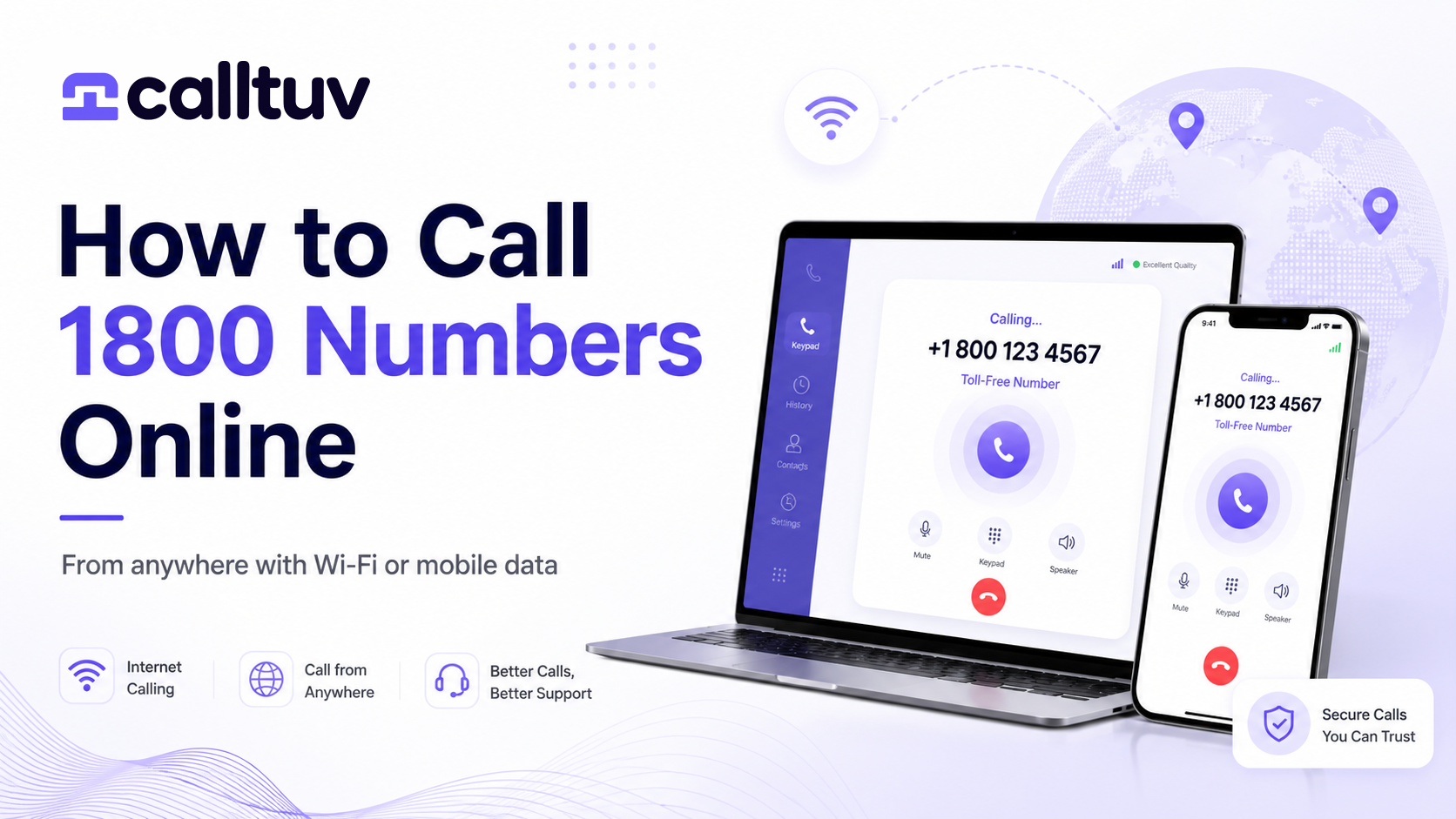
Need to call a 1800 number but do not have a local SIM card, mobile plan, or working phone line?
You are not alone.
Many people only discover the problem when they are already traveling, living abroad, using an eSIM, or trying to reach a bank, airline, hotel, insurance company, government office, or customer support line.
You find the company’s phone number online. It starts with 1-800 or another toll-free prefix. You try to call it from your mobile phone, but the call fails, does not connect, or costs more than expected.
The good news: in many cases, you can call 1800 numbers online using an internet-based calling service like CallTuv. You only need a browser or the CallTuv mobile app, plus Wi-Fi or mobile data.
In this guide, we will explain what 1800 numbers are, why they can be difficult to call from outside the country, and how to call 1800 numbers online step by step.
What Is a 1800 Number?
A 1800 number is a type of toll-free phone number. In the United States and Canada, these numbers often begin with prefixes such as:
- 1-800
- 1-888
- 1-877
- 1-866
- 1-855
- 1-844
- 1-833
These are all toll-free prefixes, but they are not the same number. For example, 1-800-123-4567 and 1-888-123-4567 may connect to completely different companies, so it is important to dial the exact number as listed.
A toll-free number is designed so the caller can reach a business without paying the normal call charge. Instead, the business or organization that owns the number pays for the call.
That is why many companies use 1800 numbers for customer support, sales, billing, reservations, insurance claims, banking, and travel assistance.
Why Calling 1800 Numbers Can Be Difficult from Abroad
1800 numbers are often described as “free,” but that usually applies only when calling from inside the country or region where the number is supported.
For example, a U.S. 1-800 number is usually intended for callers inside the United States and Canada. If you are in Europe, Asia, Latin America, Africa, or another region, your mobile carrier may not route the call correctly.
Common problems include:
- The call does not connect.
- You hear an error message.
- The number appears invalid.
- The call rings but drops.
- The business blocks calls from international networks.
- Your mobile carrier charges the call as an international call.
- Your SIM or eSIM plan does not support voice calls.
This can be frustrating when you urgently need to call your bank, airline, hotel, insurance provider, embassy, booking website, or customer support team.
It is also more common than it sounds. In our study of 320 US customer service lines, 243 (76%) were toll-free, including 27 of 29 airline lines, and 89% of the accounts that called them through CallTuv signed up outside the US.
That is exactly where online calling can help.
Can You Call 1800 Numbers Online?
Yes, in many cases you can call 1800 numbers online using a VoIP-based calling service.
VoIP means Voice over Internet Protocol. Instead of using a traditional mobile voice line, the call is made over the internet. That means you can place calls using:
- Wi-Fi
- Mobile data
- eSIM data
- A laptop browser
- A mobile app
- A tablet with internet access
With CallTuv, you can make international calls directly from your browser or mobile app, without needing a local SIM card or traditional calling plan.
This is useful when you are abroad and need to call a company that only lists a 1800 number.
How to Call a 1800 Number Online with CallTuv
Calling a 1800 number online with CallTuv is simple.
Step 1: Open CallTuv
Go to CallTuv.com from your browser, or open the CallTuv app on your phone.
You can use CallTuv from a desktop, laptop, tablet, Android device, or iPhone.
Step 2: Enter the Full 1800 Number
Type the full toll-free number exactly as it appears.
For U.S. and Canadian 1800 numbers, this usually means dialing the number with the country code:
+1 800 XXX XXXX
You can also use the number format shown by the company, but make sure the prefix is correct. A 1-800 number is not the same as a 1-888, 1-877, or 1-833 number.
Step 3: Check the Rate Before Calling
CallTuv shows the call rate before you place the call, so you know what to expect before connecting.
This is helpful because international access to toll-free numbers is not always free. Even if the business calls it a “toll-free” number, it may still need to be routed as an online or international call depending on where you are calling from.
Step 4: Start the Call
Once the number is entered and the rate is shown, press call.
Your call will be placed over the internet, so you do not need a local SIM card, roaming plan, or traditional phone line. You only need a stable internet connection.
Step 5: Speak Normally
Once connected, speak as you would on any regular phone call.
This makes CallTuv especially useful for calling companies that do not support WhatsApp, FaceTime, or chat apps, including banks, airlines, hotels, government offices, insurance providers, and customer support centers.
When Would You Need to Call a 1800 Number Online?
There are many situations where online calling can save time and stress.
Calling Your Bank While Traveling
Many banks still require phone verification for blocked cards, suspicious transactions, wire transfers, account access, and fraud alerts.
If you are abroad and your bank only lists a 1-800 number, your mobile carrier may not connect the call. With CallTuv, you can try calling online using Wi-Fi or mobile data.
Our guide to what to do when your card is blocked abroad lists the regular card and fraud numbers, from Chase to Visa, that answer callers from anywhere.
Calling an Airline or Travel Company
Flight canceled? Missed connection? Need to change a ticket?
Airlines often list toll-free support numbers, but these numbers may not work from every country. Online calling gives you another way to reach the support team without searching for a local SIM card. If the call is about a cancelled flight from Europe, check what EU, UK and US rules owe you before you accept a voucher.
Calling a Hotel or Booking Website
Sometimes you need to call a hotel directly to confirm a reservation, late check-in, refund, room change, or airport transfer.
If the only number available is a toll-free number, CallTuv can help you place the call online.
Calling Insurance While Abroad
Travel insurance and health insurance companies often provide toll-free claims numbers. But if you are already outside the country, calling those numbers can be difficult from a regular mobile plan.
With CallTuv, you can call from your browser or app using an internet connection.
Calling Government Offices or Embassies
Some government departments, visa offices, embassies, and public services still rely on phone support. If the listed number is toll-free and your mobile plan cannot call it, online calling can be a practical workaround.
Why Use CallTuv to Call 1800 Numbers Online?
CallTuv is built for people who need to make real phone calls from anywhere.
Not every company supports WhatsApp. Not every support center offers live chat. Not every bank or airline can help by email.
Sometimes, you simply need to make a phone call.
CallTuv helps by giving you a simple way to call regular phone numbers from your browser or mobile app.
No Local SIM Card Needed
You do not need to buy a local SIM card just to make one call.
If you have Wi-Fi or mobile data, you can use CallTuv to place calls online.
Works from Browser and Mobile App
You can call from your computer, phone, or tablet.
This is useful if your mobile phone does not have voice service, your SIM is data-only, or you prefer calling from your laptop.
Rates Shown Before You Call
CallTuv shows the rate before you place the call, so there are no surprises.
This is especially important when calling toll-free numbers internationally, because they may not be free from outside the country.
Useful for Travel, Work, and Everyday Support Calls
CallTuv is helpful for travelers, expats, remote workers, digital nomads, international students, immigrants, business owners, and anyone who needs to call abroad without relying on a traditional phone plan.
Call Real Phone Numbers
CallTuv is designed for calling real landline and mobile numbers, not only app-to-app calls.
That means you can use it when you need to reach companies that only accept normal phone calls.
Are 1800 Numbers Always Free to Call Online?
Not always.
A 1800 number may be free when called from inside the country where it is registered, but that does not guarantee it will be free from abroad or through every calling provider.
The receiving business usually pays for toll-free calls in its supported region. But when the call comes from another country or through another route, different charges and routing rules may apply.
That is why CallTuv shows the rate before you call.
Instead of guessing whether the call will connect or how much it may cost, you can see the rate in advance and decide before placing the call.
What If the 1800 Number Still Does Not Work?
Some businesses block calls to toll-free numbers from certain regions or networks. In other cases, the toll-free number may only accept calls from specific countries.
If your 1800 call does not connect, try these options:
- Check that the number is typed correctly.
- Make sure you included the correct country code, such as +1 for the United States and Canada.
- Try the company’s regular local number if they provide one.
- Search the company’s website for an “international support” number.
- Try calling during the company’s business hours.
- Make sure your internet connection is stable.
- Contact CallTuv support if you need help checking the number.
In many cases, businesses list a separate non-toll-free number for international callers. If available, that number may connect more reliably than the toll-free number.
1800 Numbers vs Regular Phone Numbers
A 1800 number is usually designed for customer support and is paid for by the receiving business in supported areas.
A regular phone number, such as a local landline or mobile number, is usually easier to call internationally because it follows normal international dialing rules.
For example:
- A U.S. toll-free number may look like: +1 800 XXX XXXX
- A U.S. regular number may look like: +1 212 XXX XXXX
- A U.K. regular number may look like: +44 20 XXXX XXXX
- An Australian regular number may look like: +61 X XXXX XXXX
If a company offers both a toll-free number and an international number, try the international number first when calling from abroad.
But if the only number listed is a 1800 number, CallTuv can help you try calling it online.
Tips for Calling 1800 Numbers Online Successfully
To improve your chances of connecting, follow these tips:
Use the Full International Format
For U.S. and Canadian toll-free numbers, use:
+1 800 XXX XXXX
Do not remove digits or replace the prefix.
Check the Exact Prefix
800, 888, 877, 866, 855, 844, and 833 are different prefixes. They are not interchangeable. Always dial the exact number shown by the company.
And take that number from the company itself, from your card, app or booking, not from a search snippet or an AI answer. Scammers plant fake customer service numbers that search results repeat, and in one study of them, 18 of 22 were toll-free numbers too.
Use a Stable Internet Connection
For the best call quality, use strong Wi-Fi or reliable mobile data.
If the connection is weak, move closer to the router or switch networks before calling.
Call During Business Hours
Some customer support numbers only work during local business hours.
Before calling, check the company’s time zone.
And expect a wait. In six months of calls to customer service lines, calls to Air Canada averaged 32.8 minutes, and one in ten went past two hours.
Keep Your Account Details Ready
If you are calling a bank, airline, insurance company, or government office, prepare the information you may need before the call starts.
This can include your booking number, policy number, account ID, passport number, claim number, or verification details.
Look for an International Number
If the 1800 number does not connect, check the company’s “Contact Us” page for a regular international number.
Many companies list separate numbers for callers outside the country.
Who Should Use CallTuv for 1800 Calls?
CallTuv is useful for anyone who needs to call 1800 numbers or regular phone numbers online.
It is especially helpful for:
- Travelers abroad
- Expats
- Digital nomads
- Remote workers
- International students
- People using data-only eSIMs
- People without roaming
- People who need to call banks, airlines, hotels, embassies, insurance companies, or support centers
- Business users who need a reliable way to call internationally
- Anyone who wants to call from a browser without buying a SIM card
If you only have internet access, CallTuv can help you make the call.
Frequently Asked Questions
Can I call a 1800 number online?
Yes. In many cases, you can call 1800 numbers online using a browser-based or app-based calling service like CallTuv. You need an internet connection, such as Wi-Fi or mobile data.
Can I call a U.S. 1-800 number from outside the United States?
Sometimes yes, but not always through a regular mobile carrier. Many U.S. toll-free numbers are designed for callers inside the U.S. and Canada. If you are abroad, your carrier may not connect the call. CallTuv lets you try calling online using an internet connection.
Are 1800 numbers free when calling from abroad?
Not always. A toll-free number may be free for domestic callers, but calls from abroad or online calling services may still have a per-minute rate. CallTuv shows the rate before you call.
Do I need a SIM card to call 1800 numbers online?
No. With CallTuv, you can call from your browser or mobile app using Wi-Fi or mobile data. You do not need a local SIM card or roaming plan.
Can I call 1800 numbers with an eSIM?
Yes, if your eSIM provides mobile data, you can use CallTuv to place calls online. This is useful because many travel eSIMs are data-only and do not include regular voice calling.
Why does my mobile phone fail when I call a 1800 number?
Your mobile carrier may not support routing to that toll-free number from your current country. The business may also restrict toll-free access to domestic callers only.
What format should I use for a U.S. 1800 number?
Use the full international format:
+1 800 XXX XXXX
Make sure the prefix and all digits are correct.
Can I call 888, 877, 866, 855, 844, or 833 numbers online too?
Yes, these are also toll-free prefixes in the U.S. and Canada. They work similarly to 800 numbers, but they are not interchangeable. Always dial the exact number provided by the company.
What if the 1800 number does not connect?
Check the number, try the full international format, use a stable internet connection, and look for a regular international number on the company’s website. If you are using CallTuv and need help, contact support.
The Simple Way to Call 1800 Numbers Online
Calling a 1800 number should be simple, but when you are abroad, using an eSIM, or relying only on Wi-Fi, it can become surprisingly difficult.
CallTuv gives you a practical way to call real phone numbers online from your browser or mobile app.
No local SIM card.
No complicated setup.
No traditional calling plan required.
Just open CallTuv, enter the number, check the rate, and call.
Whether you need to reach your bank, airline, hotel, insurance company, government office, or customer support team, CallTuv helps you make the call from wherever you are.
Need to call a 1800 number online? Try CallTuv and call from your browser or mobile app using Wi-Fi or mobile data.