


Every call in one history
Owners see who made each call, where to, how long and what it cost.



 Filter by member or search
Give everyone on your team a phone in their browser and one shared balance. Call landlines and mobiles in 200+ countries, with no desk phones, no per-seat fee and nothing to install.

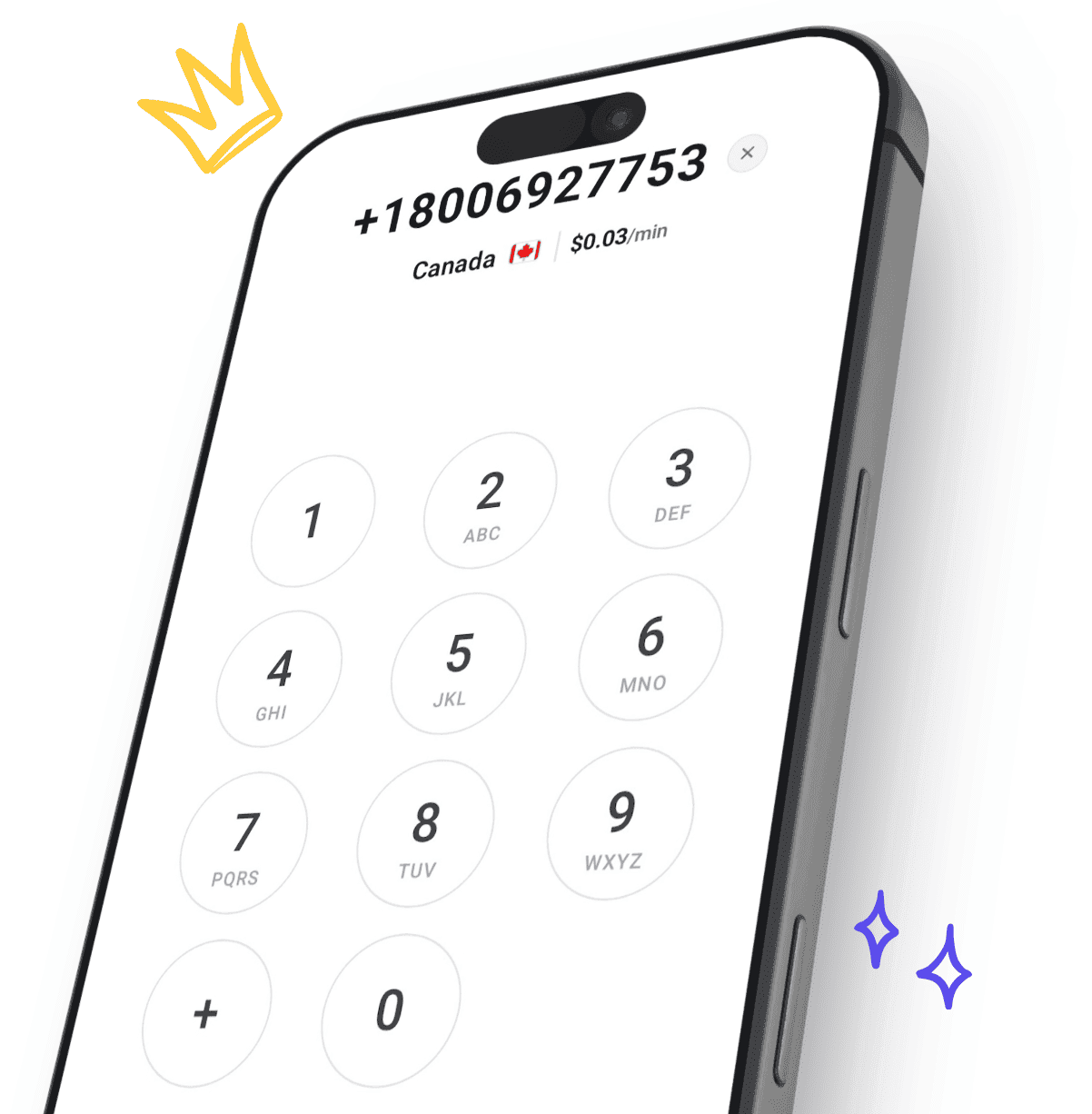
Try the dialer your team will use. It prices the number you type from live rates, the same way it does before every call.
 +1
Paste a number that starts with + and the country fills in by itself.
Before you type, you see the country’s lowest rate. Finish the number and you see the rate for that exact number.
Sign up free with your email or Google, add credit from $5, then invite your team by email.
Owners see who made each call, where to, how long and what it cost.
Filter by member or search
Calls, minutes and cost by destination and by member, for any date range.
The owner handles top-ups and who is on the team, and members get calls, contacts, their history and free recordings.
Show a shared number, verify a number your business owns, or rent a US number for $5.95 a month.
Caller ID optionsTop up once and everyone on the team calls from it.
Credit tops itself up when it drops below $5, and every top-up comes with an invoice carrying your company and VAT details.
A team has one owner, and everyone else is a member. Money and membership stay with the owner; calling is for everyone.
Desk phones and a PBX box
Everyone calls from the browser or the iOS and Android apps, with the microphone they already have.
Per-seat licences and contracts
The team pays per minute from one balance. There is no monthly fee to call.
A setup project
Setting up is inviting people by email. They can call as soon as they accept.
Expense claims for calls
Every call comes out of the team balance, and every top-up comes with an invoice in the company’s name.

Sign up free with your email or Google. Your account comes with its own team, and you are its owner.

Add credit from $5, then invite people by email. They can call as soon as they accept.

From the browser or the app, from one balance, with every call in one history.
Real reviews from people making business calls with CallTuv, quoted exactly as they were published.

Conor B.
Verified caller
Lifesaver when my phone broke allowed me to make vital business calls. Very easy to access and use.

Philipp
Verified caller
Very useful app for calling landlines overseas, especially to businesses that only feature landlines. A great replacement for Skype that was discontinued some time ago. Works very well, connection quality so far excellent. Well done!

Ofek F.
Verified caller
Great product to cut explosive cellular vendor costs! Work flawlessly and helped me a lot
Bryan Z.
Verified caller
Have had great, immediate service, with clarifying questions and clear explanations. No call drops; rate is excellent; connection is clear from SE Asia to the USA.

Mark V.
Verified caller
I recently needed to make an urgent call to UK from Taiwan and signed up with CallTuv. I called from my laptop and it worked perfectly, with clear sound quality. I will definitely continue to use CallTuv and recommend it without reservation. As an aside, I was very pleasantly surprised to receive a follow-up message from the team to check that everything worked well.

PeeTee
Verified caller
I like the customer service team there are so helpful
A phone system that runs over the internet instead of desk phones and phone lines. With CallTuv, your team calls landlines and mobiles in 200+ countries from a browser or the app, from one shared balance.
No. There are no desk phones or PBX box to buy. Everyone calls from a browser on their computer or from the iOS and Android apps, with the microphone and speaker they already have.
There is no subscription and no per-seat fee. Calls are pay as you go, from $0.03/min to the cheapest destinations, from one shared balance. Top-ups start at $5 and credit never expires. A rented US number is optional, at $5.95 a month.
Rates by countryInvite them by email from the Team page. The team needs some credit first, and they can call as soon as they accept.
Inviting team membersYes. As the owner you see every call your team makes, with who made it, the destination, the length and the cost, and the Statistics tab breaks calls, minutes and cost down by member and by destination.
Team activity and call statsNo. CallTuv is for calling out. It has no inbound numbers, phone menus or extensions, and a US number you rent from CallTuv is used only to show on the calls you make.
Yes, as your caller ID. Verify the number and the people you call see it, while calls to it keep ringing where they do today. Numbers cannot be moved (ported) to CallTuv. You can also rent a US number for outgoing calls for $5.95 a month.
Caller ID optionsYes. Every top-up is emailed as an invoice. Add your company details and VAT ID on the Balance page and they appear on future invoices.
Invoices and VAT detailsNo. CallTuv is not an emergency service. Call your local emergency number from a mobile or landline.
One balance, every call in one place, and landlines and mobiles in 200+ countries from $0.03/min. No per-seat fee, no contract.

Top up, dial, and stay connected wherever you are. Transparent pricing, no hidden fees, no subscription needed.


Email us or send a ticket, whichever suits you.