



Call-backs on a ticket
When a customer asks for a call, the agent on the ticket rings them from the browser, with the ticket still open.
Support teams use CallTuv to call customers in 200+ countries from the browser: call-backs on a ticket, escalations, and the problems a long email thread can’t fix. From $0.03/min, with no per-seat fee and no contract.


Works alongside any web helpdesk, with nothing to connect. In Chrome, the CallTuv extension turns phone numbers on a ticket page into click-to-call links.

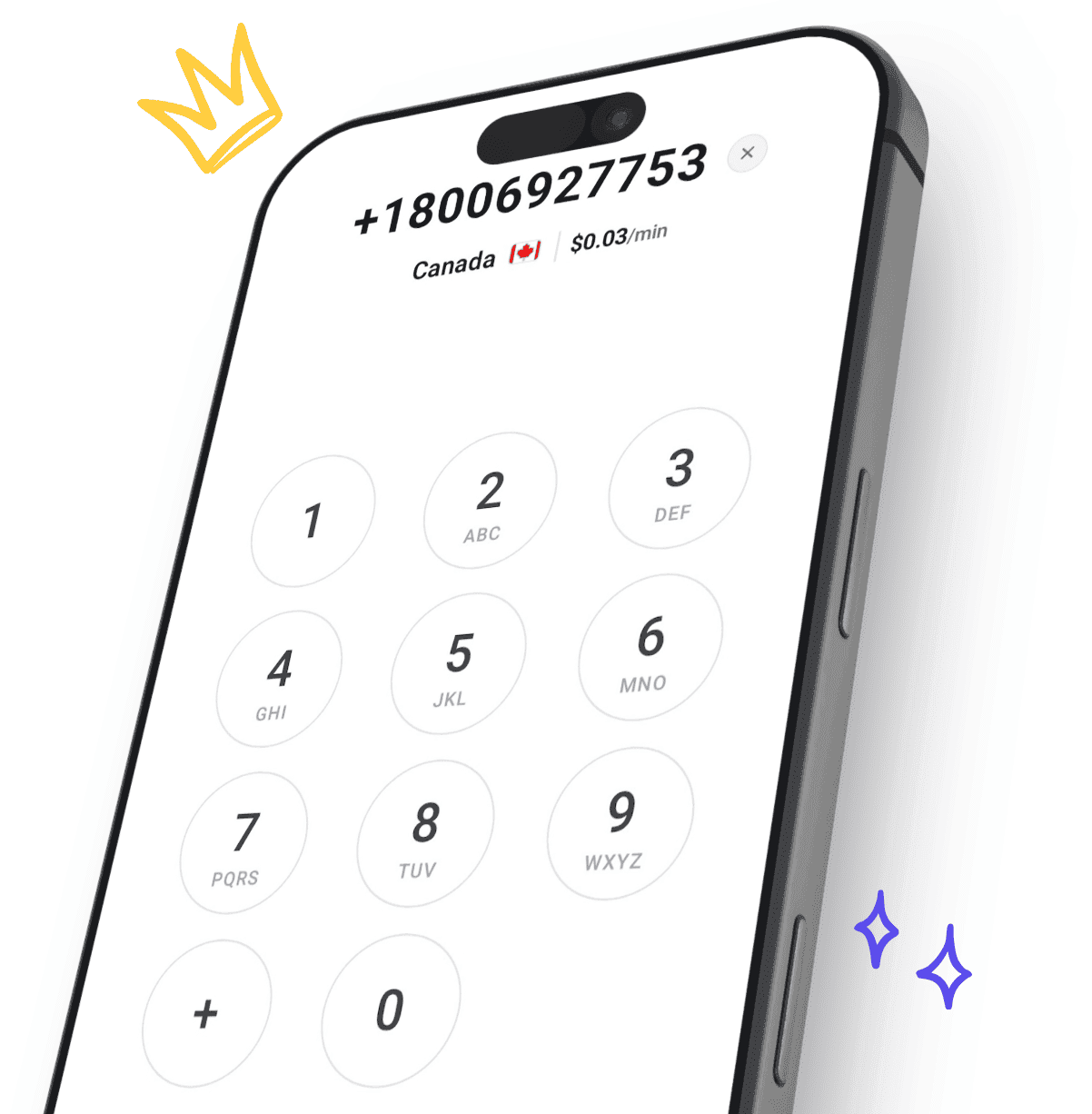
Try the dialer your agents will use. Type a customer’s number and see its price per minute from live rates.
 +1
Paste a number that starts with + and the country fills in by itself.
Before you type, you see the country’s lowest rate. Finish the number and you see the rate for that exact number.
Sign up free with your email or Google, add credit from $5, then invite your support team by email.
A problem that has bounced back and forth for days can often be cleared up in a few minutes of talking.
Tone and detail come through on a call, so you ask the right follow-up question at once instead of guessing from one line of text.
A real person who owns the problem turns a frustrated ticket into a conversation.
When a ticket escalates, a call from a team lead shows the customer it is being taken seriously.
Steps that are hard to explain in writing are easy to talk through while the customer clicks along.
A quick check-in call after a fix is something customers remember, and it keeps the account warm.
When a customer asks for a call, the agent on the ticket rings them from the browser, with the ticket still open.
When a ticket escalates, a team lead calls the customer, so a frustrated customer hears from someone who can fix it.
When a ticket has gone back and forth too many times, one call clears up what the emails could not.
Call customers in 200+ countries at a live per-minute rate, the same wherever your agents are.
A short call once the fix is out confirms it works and shows the customer someone followed through.
Chase a courier, a payment provider or a supplier for a customer. The keypad works on phone menus, and toll-free lines can be called from abroad at the normal rate.
In Chrome, numbers on a ticket page get a dotted underline. Hover one and press Call with CallTuv, or select any number and right-click.
The Chrome extensionInvite agents by email. Everyone calls from one shared balance that the team owner tops up.
Cloud phone systemEvery call in one history: who made it, where to, how long and what it cost. Filter by agent or search.
Team activity and statsRecording is free. Switch it on before you dial, and the agent and the team owner can play the call back later or download it as an MP3.
Free call recordingsSave key accounts and partner lines once and share them with everyone on the team.
Managing contactsEach agent can show a number they own, rent a US number for $5.95 a month, or use CallTuv’s shared numbers.
Caller ID optionsLive per-minute rates. Where you call from doesn’t change the price, and the dialer shows the exact rate before you call.
| Country | Landline | Mobile |
|---|---|---|
| United States | $0.03/min | $0.03/min |
 United Kingdom | $0.04/min | $0.07/min |
 Canada | $0.03/min | $0.03/min |
 Australia | $0.07/min | $0.16/min |
 Germany | $0.06/min | $0.09/min |
 France | $0.04/min | $0.09/min |
 Spain | $0.04/min | $0.10/min |
 India | $0.14/min | $0.10/min |
Real reviews from people making work calls with CallTuv, quoted exactly as they were published.

Daniel K.
Verified caller
Great Skype alternative, simple and affordable. The chrome extension is also very helpful and saves a lot of time

Mark V.
Verified caller
I recently needed to make an urgent call to UK from Taiwan and signed up with CallTuv. I called from my laptop and it worked perfectly, with clear sound quality. I will definitely continue to use CallTuv and recommend it without reservation. As an aside, I was very pleasantly surprised to receive a follow-up message from the team to check that everything worked well.
Ying
Verified caller
It worked way wayyyy better than what I was expecting. I was in Taiwan and needed to call back to Singapore for work stuff. My normal phone line (giga) couldn’t support the international call. I managed to call a government agency, navigated through the IVR responses (bear in mind not all Voip app supported the keypad sadly from personal experience), and was charged under usd2 for a 14m phone call. Very impressive, easy to use, clean interface, no delay in transmission. Recommended this!
Conor B.
Verified caller
Lifesaver when my phone broke allowed me to make vital business calls. Very easy to access and use.

Rex W.
Verified caller
I was looking for an app I could use to call overseas landline phone numbers and within 10 minutes out of a few recommendations from Grok and Gemini, I chose CallTuv. I made my first call this morning, such a great experience! Voice was clear and the conversation was stable throughout. The app is easy to use, and most importantly is the low charge compared to other traditional means. Thank you so much, CallTuv for solving my problem to reach people who are not WhatsApp users!

Ishi D.
Verified caller
I recently used Calltuv and had a fantastic experience. The call I made a few days ago was smooth, efficient, and truly successful. Everything worked exactly as I hoped, and I really appreciate the professionalism and reliability of the service. It made the whole process stress‑free, and I’ll definitely be using Calltv again in the future. Highly recommended!
Alongside them, yes, and alongside any web helpdesk. CallTuv has no integration with a helpdesk, so calls are not logged on the ticket. In Chrome, the CallTuv extension makes phone numbers written on a page click-to-call. A number inside a form field is not underlined, but you can select it and right-click to call it.
The Chrome extensionCallTuv is for calling out. It cannot receive calls or texts, so it has no call queues, phone menu or routing for incoming calls. If an agent verifies a number your team already answers and shows it as caller ID, customers who call it back reach that line.
Receiving calls and textsCaller ID is set per person, and a number can be verified on one CallTuv account at a time, so one person can show your support line. Everyone else can verify a number they own, rent a US number for $5.95 a month, or use CallTuv’s shared numbers.
Caller ID optionsYes. Invite agents by email and everyone calls from one shared balance, with no per-seat fee. The team owner tops up and manages who is on the team, and everyone can see the team’s call history.
Cloud phone systemYes, at no extra cost. Switch recording on before you dial, since it cannot be started mid-call. The recording is saved with the call, where the agent who made it and the team owner can play it and download it as an MP3. Recording lawfully, including telling the customer where that is required, is your responsibility.
Free call recordingsYes. The call history lists every call with who made it, the number, how long it lasted and what it cost, with a member filter and search. On the website, the team owner also gets statistics by member and by destination for any date range.
Team activity and statsNo. Agents call from the browser with the computer’s microphone or any headset, or from the iOS and Android apps. The Chrome extension is optional and adds click-to-call on web pages.
Yes. You can call landlines and mobiles in 200+ countries, and the dialer shows the rate before you call. Toll-free numbers such as US 1-800 and UK freephone can be called from abroad at the normal per-minute rate; they are not free.
Rates by countryYou top up from $5 and pay per minute, from $0.03/min, at the rate the dialer shows before you call. Unanswered calls cost nothing, there is no subscription or per-seat fee, and credit never expires. A rented US number is optional, at $5.95 a month.
Yes. Every top-up is emailed as an invoice. Add your company details and VAT ID on the Balance page and they appear on future invoices.
Invoices and VAT detailsCall customers in 200+ countries from your browser, from $0.03/min, with no per-seat fee and no contract.

Top up, dial, and stay connected wherever you are. Transparent pricing, no hidden fees, no subscription needed.
Email us or send a ticket, whichever suits you.