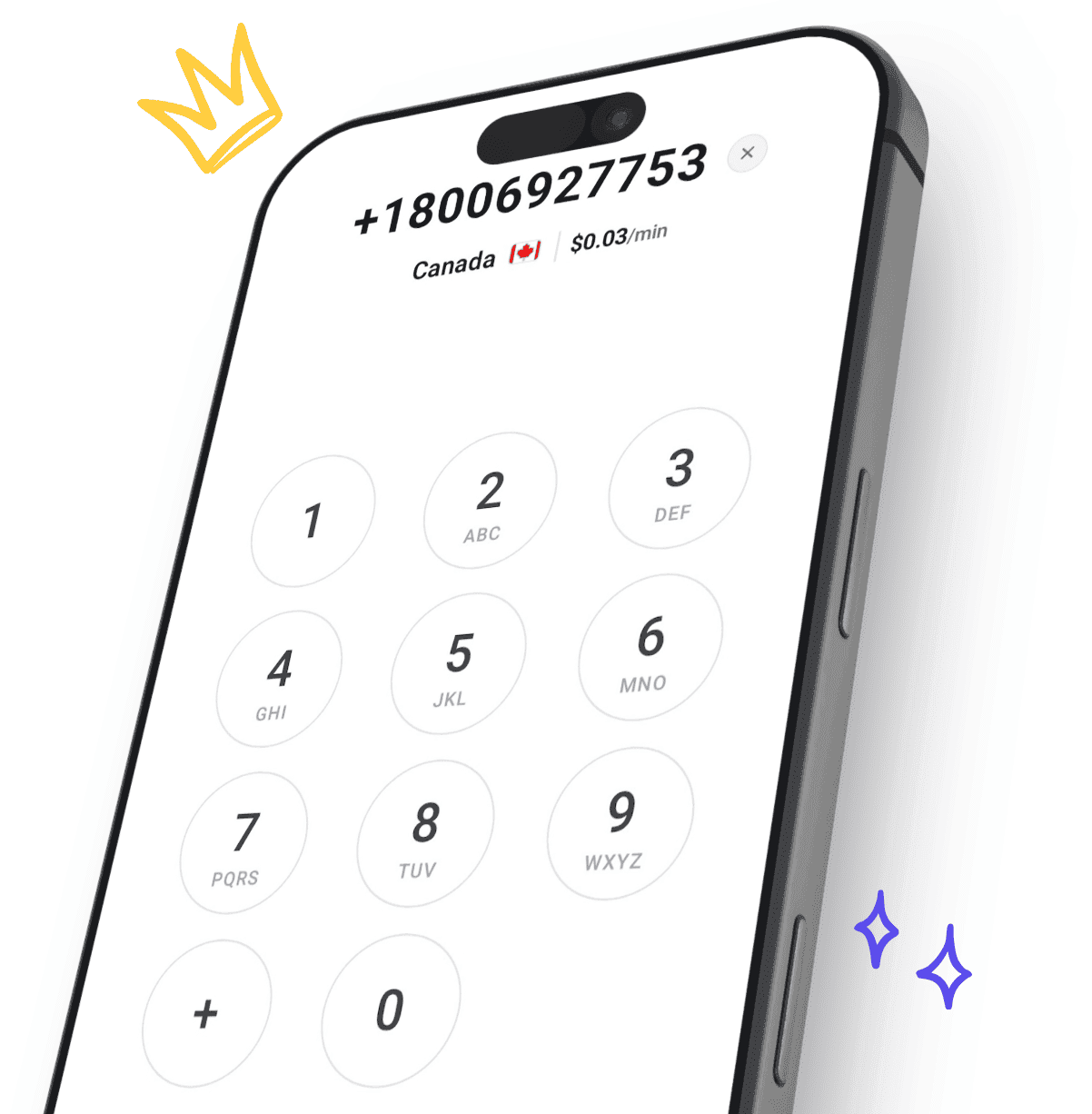
Call from your computer or laptop. No phone needed.
You can call any phone number from your computer, no phone or SIM card needed. CallTuv runs in your browser and uses your computer’s microphone and speaker: call landlines and mobiles in 232 countries and territories, on Windows, Mac or Chromebook, laptop or desktop.
Free to sign up. Pay as you go, no subscription.


 United Kingdom · Landline
Type a number. See its price first.
Try the dialer right here. It prices the number you type from live rates, the same way it does before every call you make from your computer.


 +1
Pick a country, or paste a number
Paste a number that starts with + and the country fills in by itself.
- Call rate
See the price for that number
Before you type, you see the country’s lowest rate. Finish the number and you see the rate for that exact number.
Press the green button to call
Sign up free with your email or Google, add credit from $5, and call from this computer.
Every way to call from a computer
They do different jobs. What decides it is who you need to reach: a phone number, or someone inside an app.
| Way to call | Who it reaches | The catch |
|---|---|---|
| CallTuv, in your browserDial from calltuv.com in your browser. Nothing to install. | Reaches: Any landline or mobile in 232 countries and territories, including banks and offices | The catch: You pay per minute, from $0.03/min, and see the price before you call. |
| Meeting appsZoom, Meet or Teams: send a link and everyone joins one meeting. | Reaches: People who join your meeting | The catch: Suits planned calls, not ringing a bank or an office. |
| Google VoiceGoogle’s calling service, in the browser or the app. | Reaches: Phone numbers | The catch: Google says personal accounts only work in the US. |
| Messaging appsWhatsApp or Telegram on your laptop. | Reaches: Contacts who use the same app | The catch: Can’t call a landline, or anyone who isn’t on the app. |
| Phone mirroringWindows Phone Link or Apple Continuity. | Reaches: Phone numbers, through your own mobile | The catch: Your mobile and its plan make the call, so it has to be set up and linked. |
Set up your microphone on any computer
Most laptops are ready already. If the browser can’t hear you, this is where to look.
Windows
- Open Settings, then Privacy & security, then Microphone.
- Turn on "Microphone access" and "Let desktop apps access your microphone". Your browser counts as a desktop app.
- Allow the microphone for calltuv.com the first time your browser asks.
Mac
- Open System Settings, then Privacy & Security, then Microphone, and turn on your browser if it is in the list.
- Allow the microphone for calltuv.com the first time your browser asks.
- In Safari, you can change it later in Safari, Settings, Websites, Microphone.
Chromebook
- Open Settings, then Privacy and security, then Privacy controls, and turn on "Microphone access".
- Allow the microphone for calltuv.com the first time Chrome asks.
- To change it later, click "View site information" at the left of the address bar, then Site settings.
Sound better on laptop calls
- Wired beats Bluetooth for the mic
- When a Bluetooth headset’s microphone switches on, many laptops drop to a lower-quality hands-free mode. A wired headset usually sounds better. With Bluetooth, picking the laptop’s own mic as the input can help.
- Headphones stop the echo
- Laptop speakers next to a sensitive built-in mic are the classic cause of echo. Any headphones, even basic earbuds, remove it.
- Close other calling apps
- If Zoom, Teams or a recording app is holding the microphone, the browser may get silence. Close them before you dial.
- Mind the room
- Sit within arm’s length of the laptop, don’t type while you talk on the built-in mic, and keep away from fans and open windows.
Your first call in three steps

Open CallTuv in your browser
Sign up free with your email on any laptop, and add credit from $5. Nothing to install.

Type the number
Enter it with its country code. The dialer shows the price per minute before you press call.

Allow the microphone and talk
Your browser asks once. The person you call answers a normal call on their phone.
What callers say about calling from a computer
Real reviews from people calling from their computer and browser, quoted exactly as they were published.

Warren D.
Verified caller
Perfect. Signed up in seconds. Added $10. Typed in number. Made call. Very clear on my computer.

Sam H.
Verified caller
Skype refugee here, looking for an alternative. I just made my first call with CallTuv, straight from my laptop browser, and was really happy with it. The connection was crystal clear, the rate was superb, and the interface was simple and easy to use. The whole experience was streamlined with no glitches at any point. This is exactly what you want when calling a bank from outside your country.

Daniel K.
Verified caller
Great Skype alternative, simple and affordable. The chrome extension is also very helpful and saves a lot of time

Anonymous
Verified caller
Fantastic tool, easy to use, that matters. Since Skype is no longer an option, was thrilled to sign up for CallTuv. Within a few minutes I could call from the U.S. to Europe. Not sure what I'd do without this option, my elderly mom isn't able to use WhatsApp. Thank you guys, superb work!

Wayne S.
Verified caller
Easy to register, load credit, call goes through immediately, call is clear, call is cheap as advertised ($US). Log off when finished, then log on again next time.

Devyn F.
Verified caller
Used this from to Colombia to call my US bank, super simple and affordable
Calling from a computer: questions
Can I call a phone number from my computer without a phone?
Yes. A computer or laptop has what a call needs: a microphone, a speaker and an internet connection. CallTuv runs in the browser and connects to the ordinary phone network, so the person you call answers on their normal landline or mobile.
How do I call someone from my computer or laptop?
Sign in to CallTuv in your browser, type the number with its country code, allow the microphone when the browser asks, and press call. The price per minute shows before you dial.
Do I need to install anything?
No. CallTuv runs in the browser: no desktop app, no plugin and nothing to update. A recent Chrome, Edge, Firefox or Safari is enough.
Does it work on Windows, Mac and Chromebook?
Yes. The call runs inside the browser, so it works the same on Windows laptops, MacBooks, Chromebooks and Linux.
Does the person I call need anything?
No. Their landline or mobile rings like any other call. They do not need CallTuv, an app or the internet.
Can I call other countries from my computer?
Yes, 232 countries and territories. Type the number with its country code and the dialer shows that number’s price per minute before you call.
Rates by countryWhat number does the person I call see?
By default, one of CallTuv’s shared numbers. You can verify a number you already own and show that instead, or rent a US number for $5.95 a month so people see the same number every time.
Caller ID optionsWill the call sound good from a laptop?
It depends most on your internet connection and your microphone. A steady connection and a headset make the biggest difference. Test your microphone first if you are unsure.
Online mic testCan I click phone numbers on websites to call them?
Yes, with the CallTuv Chrome extension. Phone numbers on websites, in your CRM or in email become one-click calls from your laptop.
Chrome extensionCan I receive calls on my laptop?
No. CallTuv is for calling out. It does not take incoming calls, and a US number you rent from CallTuv is used only to show on the calls you make.
Can I make emergency calls from a laptop?
No. CallTuv is not an emergency service. Call your local emergency number from a mobile or landline.
What does it cost to call from a computer?
There is no subscription. Calls are pay as you go, from $0.03/min to the cheapest destinations. Top-ups start at $5 and credit never expires.
Your laptop is ready. Make the call.
Call any landline or mobile in 232 countries and territories from your computer or laptop, starting from $0.03/min, with credit that never expires.