Online Mic Test
Do a quick browser microphone check before calls or meetings.
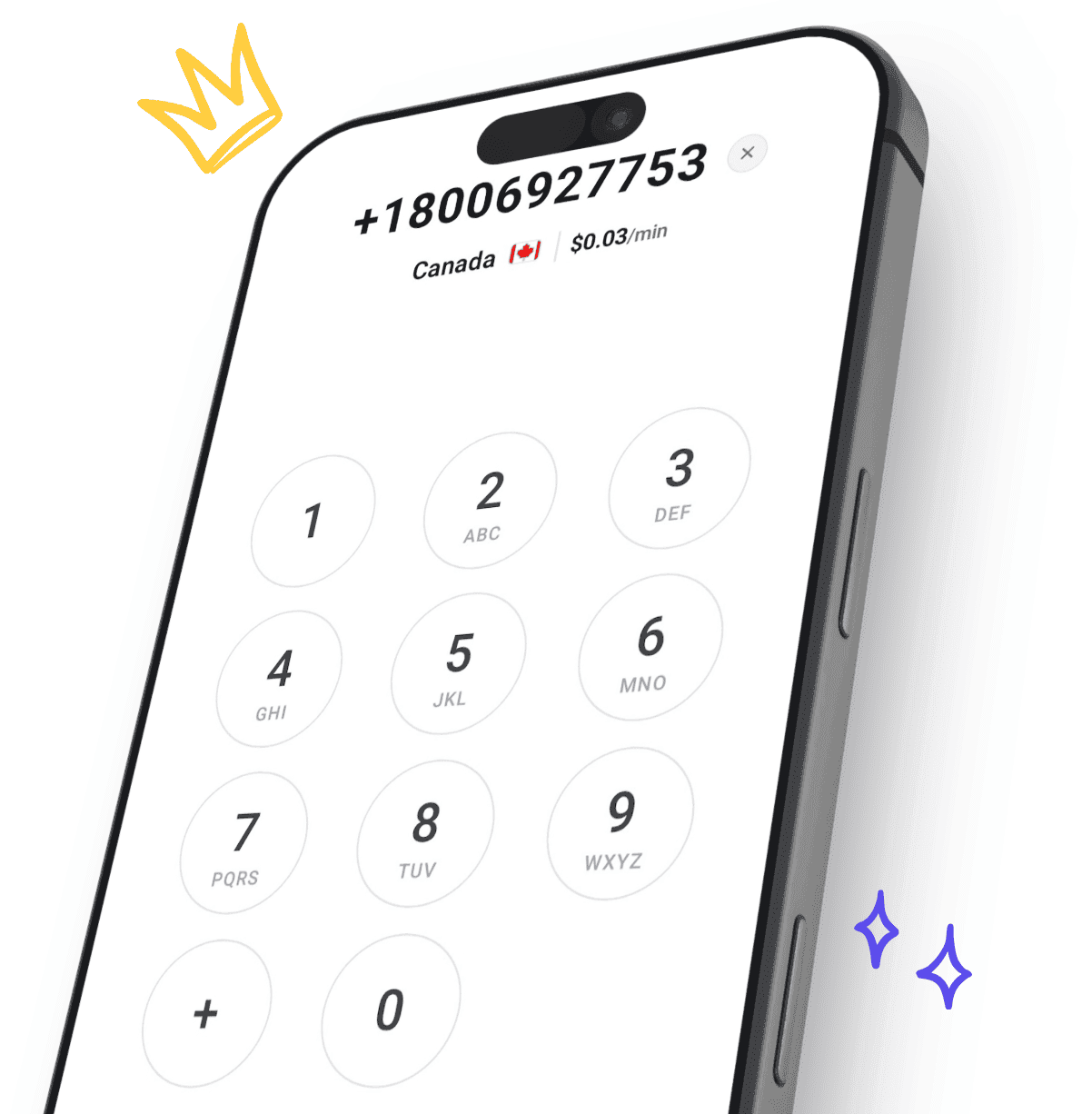
Use CallTuv tools to test your microphone before browser calls or meetings, then plan international calls before you dial. Check Google Meet and Teams audio, estimate cost, find the best time to call, validate phone numbers, and place calls directly from the browser.
Do a quick browser microphone check before calls or meetings.
Check browser input, Chrome permissions, and pre-join audio readiness before your next Meet call.
Check browser input, device selection, and Teams-specific audio readiness before your next meeting.
Estimate one-call and monthly calling spend in USD by route type before you top up.
Get one recommended next call window based on destination business hours and selected timezones.
Validate a phone number by country and prefix, then detect line type including mobile, landline, and VoIP.
Start with the online mic test or platform-specific checks for Google Meet and Microsoft Teams. Then use the international call cost calculator to estimate budget, the best time to call planner for timing, and the phone number validator. You can confirm destination pricing in the live rates directory and check dialing instructions in how-to-call guides.
Use CallTuv tools to verify microphone audio, pick the best time to call, estimate budget, and place calls directly from your browser with no monthly contract.
If you have any questions, our team is here to assist you.
Send us an e-mail to [email protected] and we'll respond ASAP.
Send us your inquiry using our dedicated contact form.
Ready to dial in?
Create your account, add credits, and place your first call straight from your browser. No setup fees, no subscriptions.