



1Press REC, then dial
REC sits next to the call button, on the web and in the app. The first time, confirm a short notice that recording lawfully is your responsibility.
CallTuv records your calls at no extra cost. Switch on REC before you dial, and the whole call is saved in your call history, ready to play back or download as an MP3. On calls to landlines and mobiles in 200+ countries, from $0.03/min.


New to recording? The step-by-step guide shows where REC is and how to play a call back.

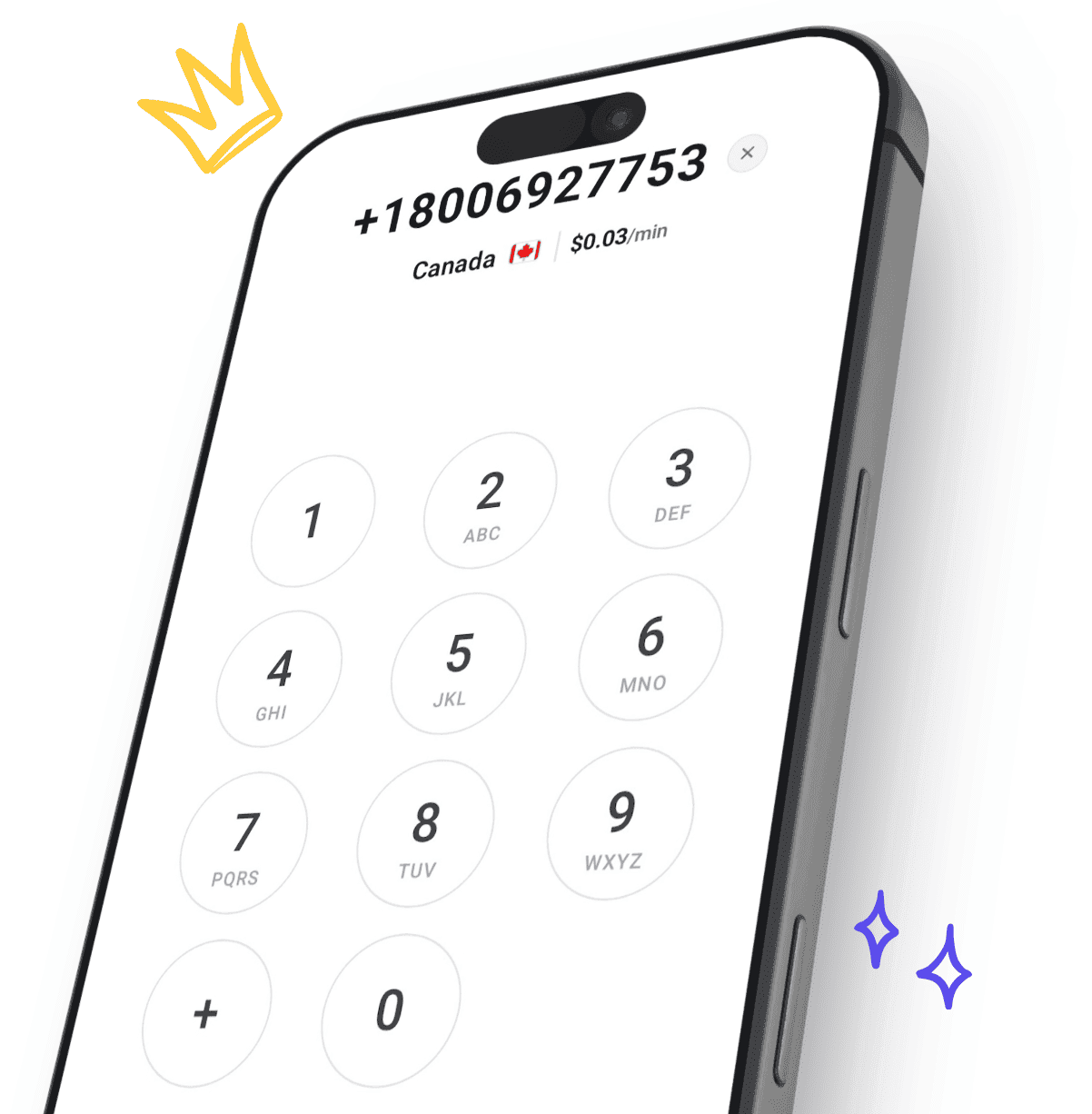
Try the dialer you’ll record from. Type a number and see its price per minute from live rates; recording the call adds nothing to it.
 +1
Paste a number that starts with + and the country fills in by itself.
Before you type, you see the country’s lowest rate. Finish the number and you see the rate for that exact number.
Sign up free with your email or Google and add credit from $5. In your dialer, switch on REC before you press call.
Keep your attention on the person you’re talking to. What they say is there to play back afterwards.
A price, a date or a promise is easy to misremember. A recording keeps it word for word.
When a quote or a deal is settled by phone, you keep your own copy of what both sides said.
A fast talker, a long reference number, an address read out once: play that part again.
The team owner can play every recorded team call, so they hear the call itself, not notes about it.
Download any recording as an MP3 and keep it with the rest of your files.
REC sits next to the call button, on the web and in the app. The first time, confirm a short notice that recording lawfully is your responsibility.

The whole call is recorded, from hello to hang-up. REC is locked during the call, so it can’t be switched on or off midway.

The recording is saved with the call in your call history. Play it there, or download it as an MP3.
A contractor’s quote, a refund an agent promised, a price agreed on the phone. Keep the call that settled it.
Journalists, researchers and hiring managers stay in the conversation instead of typing. Play it back at up to 2x speed when you write it up.
Setup steps from a technician, directions to a site, a reference number read out once. Play back the part you need.
Your team records its calls, and the team owner can play any of them back to hear what works and what to change.
VoIP for sales teamsCalls about a lease, a deposit or a case. Keep your own copy as an MP3, next to the rest of the paperwork.
A grandparent’s stories or a parent abroad. Recording works on calls to landlines and mobiles in 200+ countries.
Rates by countryRecordings are saved in the team’s call history. The team owner can play any recorded team call, and each member can play their own.
Recording callsEvery call is in one history: who made it, where to and for how long. Filter by member, or search a name or number.
Your call historyInvite people by email. Each person switches REC on for their own calls, and everyone calls from one shared balance with no per-seat fee.
Cloud phone systemDownload any recording as an MP3, the audio file any computer or phone can play, and keep it with your important files.
Recording works the same in the iOS and Android apps. Open a recorded call from Recents to play it or save it.
Recording adds nothing to the price. A recorded call costs the same as any other call, at the rate shown before you dial.
Rates by countryRecording is free, so a recorded call costs the live per-minute rate below and nothing else. Where you call from doesn’t change the price, and the dialer shows the exact rate before you call.
| Country | Landline | Mobile |
|---|---|---|
| United States | $0.03/min | $0.03/min |
 United Kingdom | $0.04/min | $0.07/min |
 Canada | $0.03/min | $0.03/min |
 Australia | $0.07/min | $0.16/min |
 Germany | $0.06/min | $0.09/min |
 France | $0.04/min | $0.09/min |
 India | $0.14/min | $0.10/min |
 Mexico | $0.04/min | $0.10/min |
Real reviews from people making important calls with CallTuv, quoted exactly as they were published.

Ying
Verified caller
It worked way wayyyy better than what I was expecting. I was in Taiwan and needed to call back to Singapore for work stuff. My normal phone line (giga) couldn’t support the international call. I managed to call a government agency, navigated through the IVR responses (bear in mind not all Voip app supported the keypad sadly from personal experience), and was charged under usd2 for a 14m phone call. Very impressive, easy to use, clean interface, no delay in transmission. Recommended this!
Conor B.
Verified caller
Lifesaver when my phone broke allowed me to make vital business calls. Very easy to access and use.
Peter VM
Verified caller
I use International Calling apps a lot for personal and business purposes. I have tried a few of them and have had issues which kept me looking for better and more ethical technical and customer service. I tried CallTuv last week. There was a small technical glitch, BUT it was quickly rectified within the time frame given and the customer service was very good. So far I feel comfortable with CallTuv. Also, they don't use their app as a platform for 'backdoor' trackers as one other calling app that I am wrapping up with by aggressively forcing precise location and 'blanket location' turned on on my devices. So far so good with CallTuv. Bravo!!
Jesse S.
Verified caller
I was in a situation where my phone was stolen and needed to make calls to secure my accounts. I found Calltuv through a search. I was able to quickly add some credit and make the necessary calls with good quality audio. I'll definitely keep this service in mind the next time I'm in a similar situation.
Mark V.
Verified caller
I recently needed to make an urgent call to UK from Taiwan and signed up with CallTuv. I called from my laptop and it worked perfectly, with clear sound quality. I will definitely continue to use CallTuv and recommend it without reservation. As an aside, I was very pleasantly surprised to receive a follow-up message from the team to check that everything worked well.

Devyn F.
Verified caller
Used this from to Colombia to call my US bank, super simple and affordable
Yes. Recording is included at no extra cost on every call, to landlines and mobiles in 200+ countries, on the website and in the iOS and Android apps. You pay only the normal per-minute rate of the call, which the dialer shows before you call. There is no recording plan and no subscription.
Rates by countryBefore you dial, press the REC button next to the call button (it has a small sound-wave symbol). The first time, a short notice asks you to confirm that recording lawfully is your responsibility; confirm it once. Then dial, and the whole call is recorded, from hello to hang-up. Nothing is recorded until you switch REC on.
Recording callsNo. Once a call is in progress, REC is locked and can’t be switched on or off. If you might want a recording, switch it on before you dial.
In your call history. On the website, open History and press Listen on a recorded call. In the app, open the call from the Recents tab and press play. Right after a call you may see “Recording is processing” for a moment. If you see “Recording link expired”, just press play again.
Your call historyYes, as an MP3, the audio file any computer or phone can play. On the website, use the download button next to the player. In the app, press Save recording.
You can play and download your own recordings, and the team owner can play and download every recorded call on the team. If you are the only person on your team, that is just you. CallTuv’s privacy policy says we do not routinely listen to recordings, but may access one when reasonably necessary, for example to give support, look into a security issue or answer a legal request.
Privacy policyLaws differ by country and by US state. In some places it is enough that you know the call is recorded; in others, everyone on the call must agree. Recording lawfully is your responsibility. The simplest habit is to say at the start: “Just so you know, I’m recording this call.”
Acceptable Use PolicyCallTuv’s privacy policy says: “Unless explicitly stated in the product, recordings are not subject to automatic deletion after a fixed period.” If you need a copy of your own, download the MP3.
Privacy policyVery occasionally a call shows “Call recording failed”. The call itself went through and is billed like any other call, but that recording can’t be recovered.
CallTuv saves the audio of the call, to play back or download as an MP3. It does not make transcripts or summaries, and there is no way to listen in to a call while it is live.
CallTuv is for calling out and cannot receive calls, so the calls you can record are the ones you make.
Receiving calls and textsRecording is free on calls to landlines and mobiles in 200+ countries, from the browser or the app. You pay only for the call, from $0.03/min.

Top up, dial, and stay connected wherever you are. Transparent pricing, no hidden fees, no subscription needed.
Email us or send a ticket, whichever suits you.