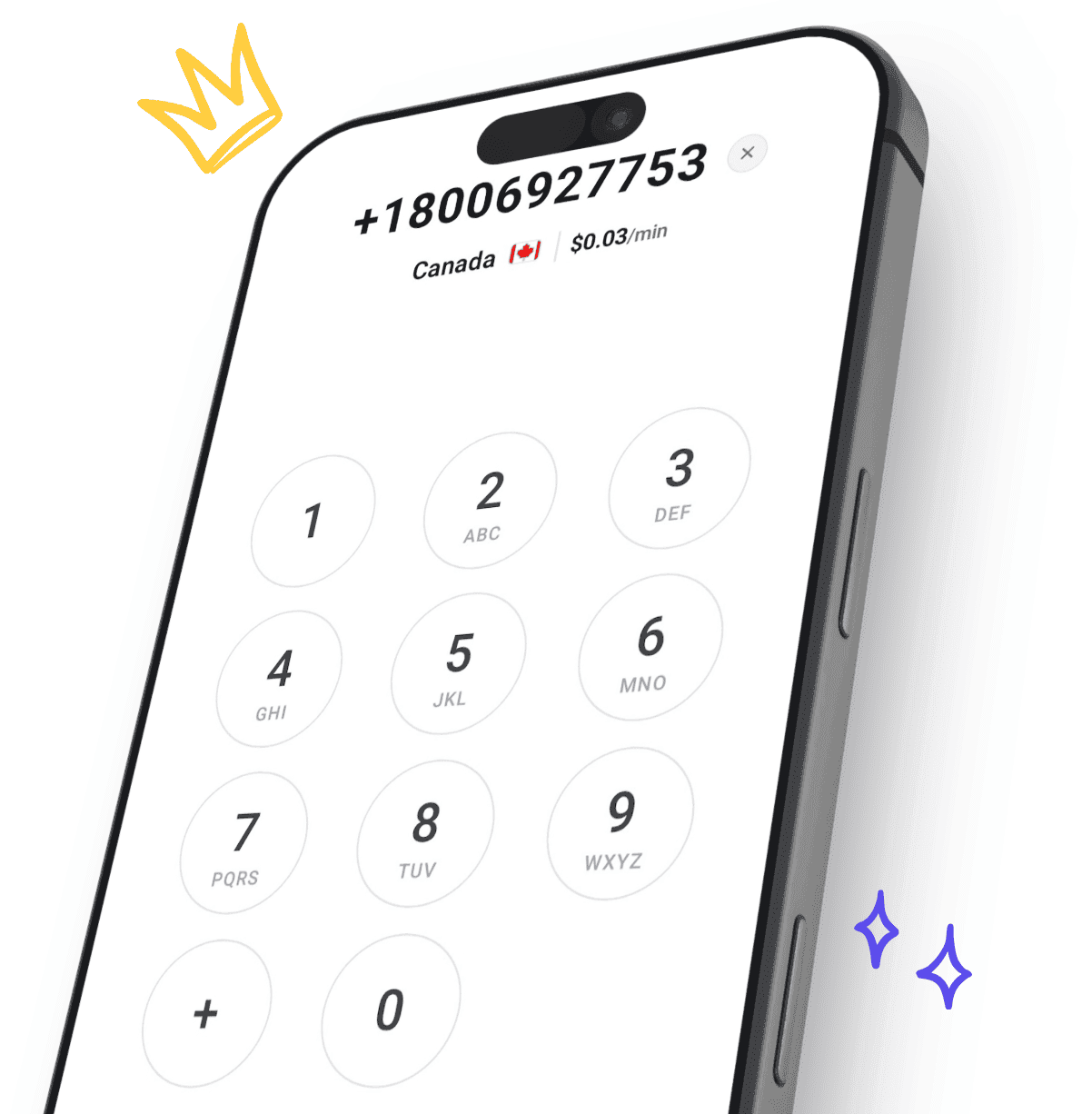
Make Phone Calls Without a SIM Card
A SIM card is just a link to a mobile carrier - and you do not need one to call real phone numbers. CallTuv places calls over WiFi or any internet connection, from a browser or the mobile app, to landlines and mobiles in 200+ destinations.
Perfect for tablets and WiFi-only devices, traveling without roaming, or phones with a lost, broken, or missing SIM.
Someone called United States
1 minute ago
Quick answer
Yes - you can call any phone number without a SIM card
The short version: connect the device to WiFi, open CallTuv in a browser or the app, sign in with your email, type the number, and call. The other person answers a normal call on their phone - no SIM involved anywhere on your side.
A SIM card identifies you to a mobile carrier, nothing more. Calls themselves can travel over the internet instead. The rest of this guide covers each device type, what does and does not work SIM-free, and fixes for the common problems.
How it works
Your voice travels over the internet instead of a carrier network, then CallTuv connects the call to the regular phone system.
What you need
Any device with a microphone, a modern browser or the CallTuv app, and a WiFi or data connection. No SIM, no phone number of your own.
Who you can call
Any landline or mobile number in 200+ destinations. The person you call answers a normal incoming call - no app needed on their side.
Not for
Emergency calls or receiving inbound calls. CallTuv is an outbound internet calling service, not a mobile plan replacement.
How it works
Calling without a SIM, step by step
Traditional calls go phone → SIM → carrier tower → phone network. Internet calls skip the first three: your device captures audio, sends it over an encrypted internet connection, and CallTuv hands it to the phone network at the other end.
That is why the device does not need to be a phone at all. A tablet, an old handset with no SIM, or a laptop all work the same way once they are online.
Because the last leg is the normal phone network, you are not limited to calling other app users - any of the billions of reachable landline and mobile numbers can pick up.
From your device to their phone
Connect to the internet
Join WiFi at home, a hotel, a cafe, or tether from another device. Any stable internet connection works - carrier signal is irrelevant.
Open CallTuv and sign in
Use any modern browser or the CallTuv mobile app. Accounts are created with an email address, so you never need a phone number to sign up.
Enter the number with country code
Type the full destination number, see the exact per-minute rate before dialing, and allow microphone access when the browser asks.
Talk like on any normal call
CallTuv routes your call to the regular phone network. The other person sees an ordinary incoming call and answers on their landline or mobile.
When it helps
Four situations where no-SIM calling wins
Calling without a SIM is not a workaround - for these situations it is simply the better tool.
Traveling without roaming
Leave your SIM on airplane mode abroad and call home from hotel or cafe WiFi at flat rates - no surprise roaming bill.
Tablets and WiFi-only devices
iPads, Android tablets, and other devices without a SIM slot become full outbound phones with nothing to install beyond a browser.
Lost, broken, or missing SIM
A phone with a dead SIM still has WiFi and a microphone. Keep making calls while you wait for a replacement.
Calling from a computer
Laptops and desktops never had a SIM to begin with. Call from the browser with a headset for the most comfortable long calls.
Device guide
Calling without a SIM, device by device
Any device with a microphone, a browser, and WiFi can place calls. The details differ slightly by device, so here is what to expect on each.
iPhone with no SIM
An iPhone works fully on WiFi with the SIM removed or inactive. Open CallTuv in Safari or install the iOS app, sign in with your email, and allow microphone access when prompted. Activation locks aside, even a retired iPhone in a drawer makes a solid WiFi-only calling device.
Android phone without a SIM
Android shows a "no SIM" warning but everything except carrier service keeps working. Use Chrome or the CallTuv Android app. If the phone was carrier-locked, that lock only affects SIM use - internet calling is unaffected.
iPad or Android tablet
Most tablets never had a SIM slot, and it makes no difference. The bigger screen is actually pleasant for managing contacts and call history. Grant microphone permission on first call, and use headphones to avoid speaker echo on the large chassis.
Old phone as a dedicated WiFi phone
A spare handset with no plan makes a great house phone or travel phone: charge it, connect it to WiFi, sign in to CallTuv, and leave it by the desk or in the suitcase. No monthly cost while idle - credits only burn when you call.
Honest expectations
What works - and what does not - without a SIM
A SIM-free device is not a limited device, but it is a different one. Knowing the boundaries up front saves you a surprise mid-trip.
Works without a SIM
Calling any real number
CallTuv places outbound calls to landlines and mobiles over the internet - the core job a SIM used to do.
Creating your account
CallTuv accounts are email-based. You never verify a phone number to sign up, which matters on a device that cannot receive SMS.
WiFi, Bluetooth, and apps
Everything non-cellular on the device keeps working: browsers, headphones, contacts, note apps during calls.
Still needs a SIM somewhere
Receiving SMS codes
No SIM means no text messages. Apps that verify you by SMS - WhatsApp registration, some banking logins - cannot complete verification on this device unless the account was set up elsewhere.
Your old number ringing
Calls to your carrier number still route to wherever that SIM lives. Calling out without a SIM does not move or replace your existing number.
Emergency services
Internet calling is not a reliable path to emergency numbers. Many countries let mobiles dial emergency services even without a SIM - use that or a landline instead.
Compare your options
No-SIM calling vs carrier plans, apps, and eSIMs
App-to-app calls only reach people on the same app, and eSIMs are still carrier plans with different packaging. Internet calling to real numbers sits in its own category. If you also need mobile data abroad, an international travel eSIM from Pelesim pairs well with CallTuv: the eSIM keeps you online, and CallTuv handles the calls.
Troubleshooting
Fixes for the most common no-SIM calling problems
Almost every issue comes down to the WiFi network or microphone permissions - both fixable in under a minute.
Hotel or airport WiFi connects but calls will not start
Captive-portal networks often need you to accept terms in the browser first. Open any website, complete the WiFi login page, then return to CallTuv. If the network blocks voice traffic entirely, tether from a companion device instead.
The call connects but nobody hears me
Microphone permission was denied or the wrong input is selected. Check the browser’s site permissions for calltuv.com, allow the microphone, and rerun the mic test before calling again.
Audio breaks up on shared WiFi
Crowded hostel and cafe networks get congested. Move closer to the router, pause large downloads, or switch to a personal hotspot. Voice needs little bandwidth but suffers from unstable connections.
A VPN is slowing the call down
VPNs add distance to your audio’s route. If quality drops while a VPN is on, try pausing it for the call or choosing a VPN server closer to your physical location.
Call landlines and mobiles in 200+ countries.
Reach customers, relatives, and teams worldwide from one online web dialer. CallTuv lets you place reliable calls to landlines and mobile numbers across 200+ destinations without switching apps, SIMs, or carriers.


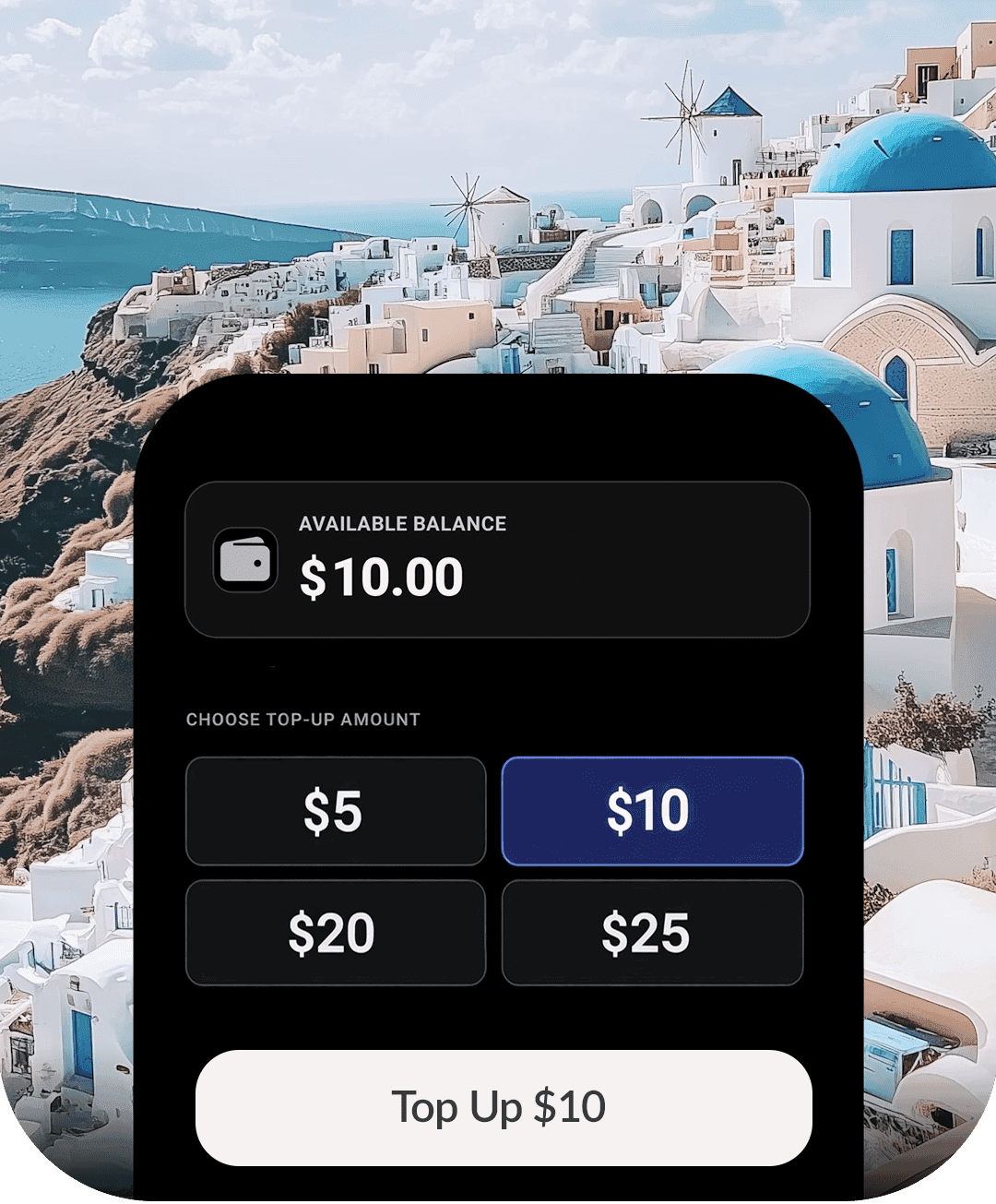
Pay-as-you-go international callingmade simple.
Add credits to your account and use your balance for browser calls whenever you need them. Pay only for what you use, check the rate before you connect, and keep your credit ready for the next important call.

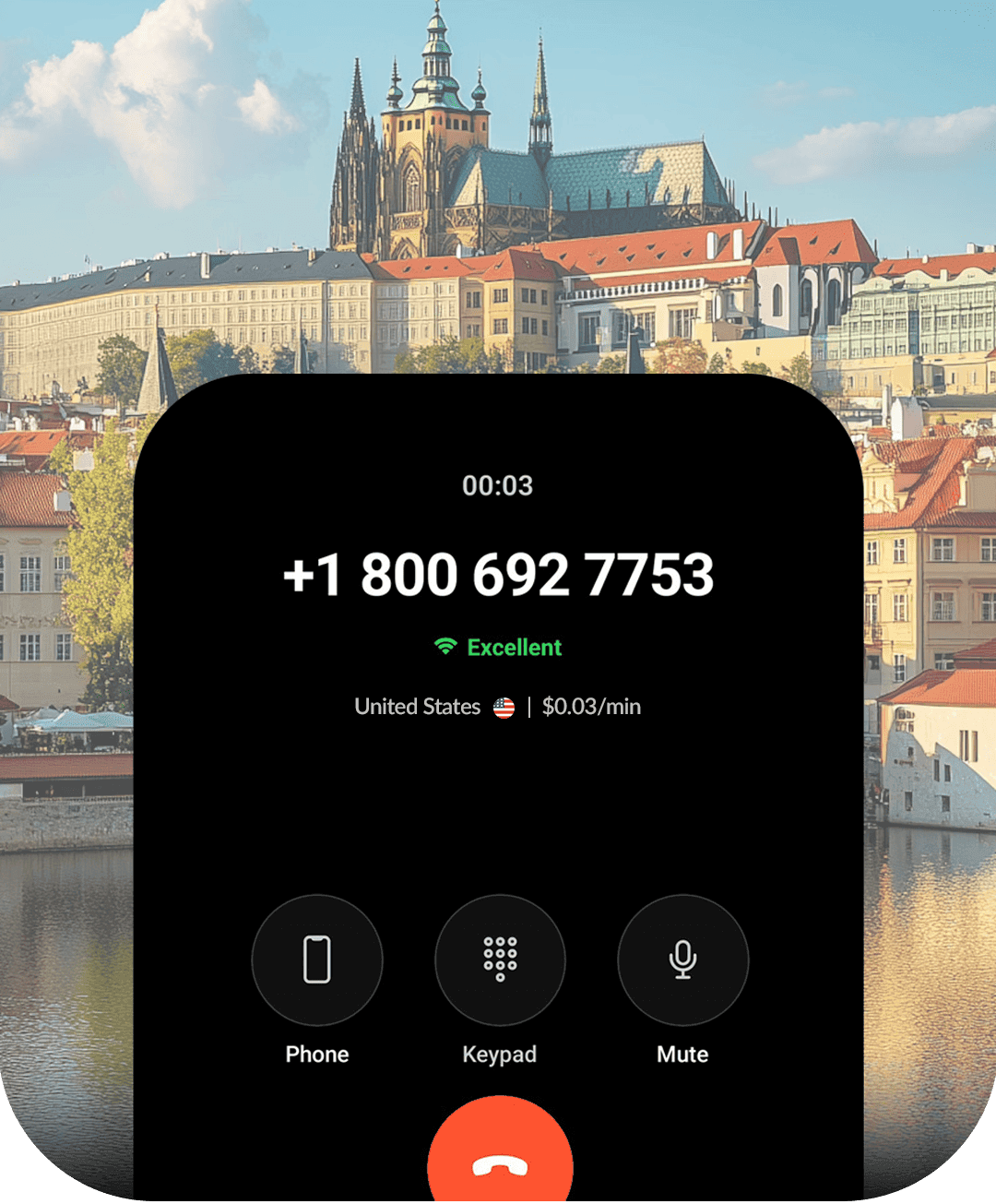
Crystal-clear voice qualityno matter where you are.
Stay clear on hotel Wi-Fi, shared workspaces, home broadband, or while moving between countries. CallTuv is built to keep browser calls sounding natural so every conversation stays easy to follow.
Next steps
Set up your first call in a couple of minutes
Three quick checks and you are calling - no SIM, no contract, no installs beyond a browser.
Check destination rates
See the exact per-minute price to the country you call most before adding credit.
Learn more →Test your microphone
Run a quick browser mic check so your first no-SIM call starts with working audio.
Learn more →Use your own caller ID
Verify a number you own so friends, family, and clients recognize who is calling.
Learn more →Ready to call without a SIM card?
Sign up with just an email, add credit, and call any phone number from any connected device.
No-SIM Calling FAQ
Frequently asked questions
Quick answers about making phone calls without a SIM card.