

Make it look like yours
Your color and logo, light or dark, and your own words on the form and its button.
A free callback widget for your website. Visitors leave their number, the request lands in your Leads list, and you call them back from your browser in one click.
Free to sign up. The widget is free, and calls use your calling credit, with no subscription.

A round button sits in the corner of every page. Visitors tap it, type their number and press send. Nothing to install for them, and no app.
Your color and logo, light or dark, and your own words on the form and its button.
A panel that slides up from the corner, or a form in the middle of the page. Left corner or right.
Set your hours for each day. Outside them, the button hides until you open again, so nobody waits for a call.
Name your websites, and a copy of the code on any other site does nothing.
Paste one piece of code into your site, once. Change the widget later and your site shows it as soon as you save.
Your whole team sees who asked, when, and what they wrote. Anyone on the team can call them back.
An email for every request
The team owner hears about each new request at once, with the number, the message and a Call now button.
The best time to call
Each request shows the time where they are, and whether it is a good moment to call.
Called, without the bookkeeping
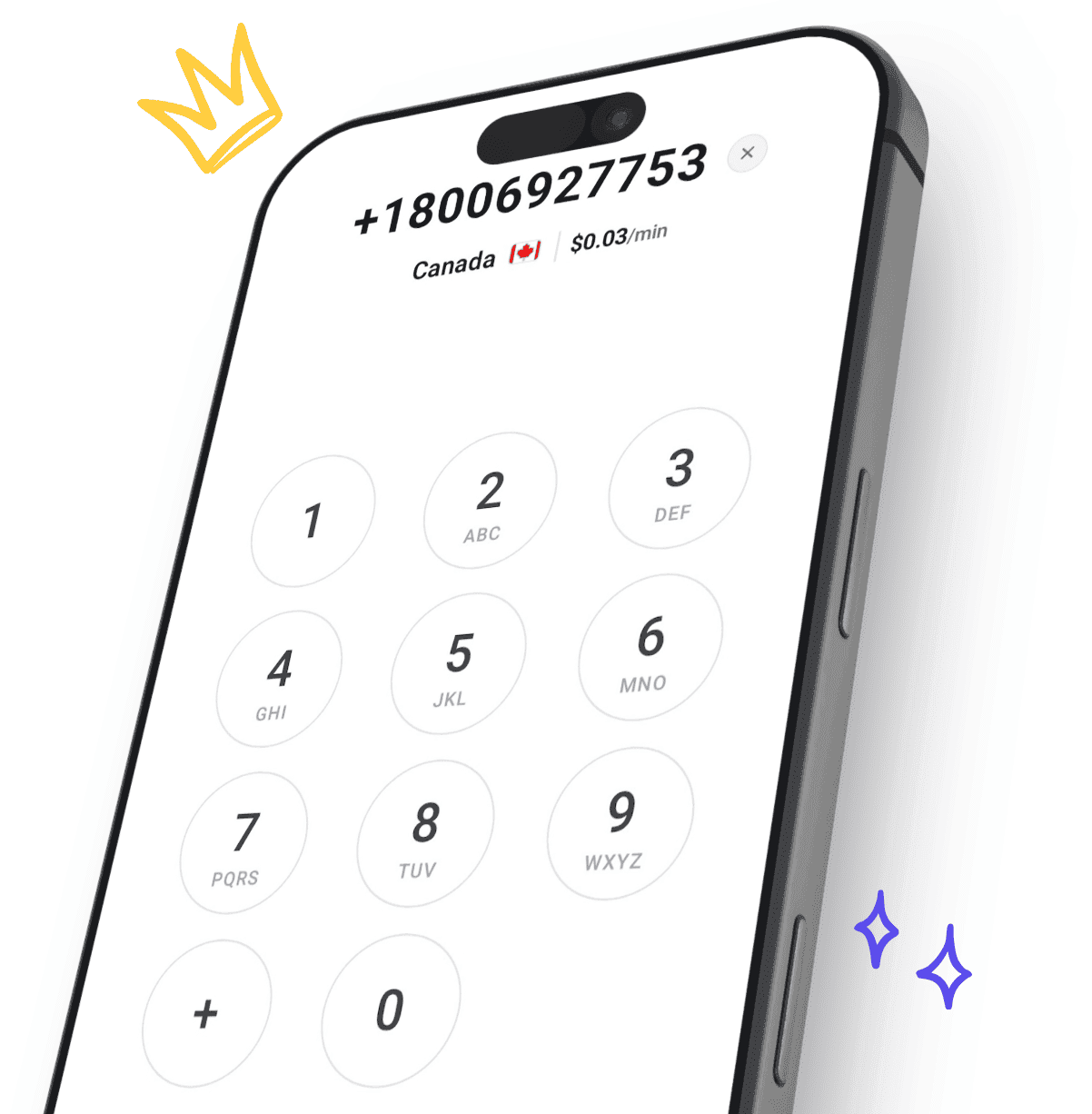
Press Call and the dialer opens with their number. After an answered call, the request is marked Called by itself.
Leads from your contact forms, your shop and your other tools join the requests from your website, so your team works from one list and calls everyone back.
No lead slips through
Requests from every form and tool arrive in one place, instead of waiting in an inbox nobody checks.
Call while they’re still interested
A new lead shows up the moment it is sent, ready to call in one click.
Keep the tools you already use
Your forms, your website and your apps stay as they are. They just send their leads here too.
Create your free account with your email or Google, and add calling credit from $5.
In Business, pick your colors and words, then copy one piece of code into your website.
Requests land in Leads. Press Call and you are talking to them, at the normal rate for their number.
Yes. The widget, the Leads list and the lead webhook cost nothing extra, and they work once your team has added calling credit. Calling someone back is charged per minute at the normal rate for their number, from $0.03/min.
Rates by countryNo. They type their phone number into the form on your website and press send. When you call them back, it is an ordinary phone call to their landline or mobile.
On any website where you can add a piece of code, including WordPress, Wix, Squarespace, Webflow and Shopify. Paste it once, just before the closing body tag, and publish your site.
Add the widget to your websiteThe phone number is always asked. You can also ask for their name, their email and a message. Visitors can enter numbers in the countries CallTuv calls.
The team owner gets an email for every new request, and it shows at the top of the Leads list with a dot until someone calls them.
Your callback requestsYes. Everyone on your team sees the same list and can call, open and mark requests. Only the team owner changes the widget and its settings.
By themselves, once someone on your team has an answered call of at least 15 seconds with that number from CallTuv. You can also mark a request yourself.
Every request passes a quick security check, one visitor can send up to 2 requests an hour, and the same number is taken only once every 15 minutes. Under Allowed websites you can limit the widget to your own sites.
No. The widget collects callback requests, and you call people back. CallTuv makes outgoing calls and does not take incoming calls.
By default, one of CallTuv’s shared numbers. You can verify a number your business already owns and show that, or rent a US number for $5.95 a month.
Caller ID optionsA free widget, one list for every request, and calls to landlines and mobiles in 200+ countries from $0.03/min.

Top up, dial, and stay connected wherever you are. Transparent pricing, no hidden fees, no subscription needed.


Email us or send a ticket, whichever suits you.
